What is Unassigned Device Control?
Control what happens when an unknown device joins your network: automatically block, allow, or notify.
What is Unassigned Device Control?
Control what happens when an unknown device joins your network: automatically block, allow, or notify.
What is Block & Allow Sites?
Learn how to block or allow specific websites and domains across your eero network or for individual Profiles.
Learn how Ad Blocking works, how to enable it, and what to do if a website or app isn't working as expected.
Learn why Profiles don't work when your eeros are in bridge mode
Learn how Power Saving Schedule automatically reduces your network's power consumption during times you choose.
Create a guest wifi network, set a password, and share access with visitors through the eero app.
See connection details, IP addresses, activity status, and security info for every device on your network.
View real-time updates in the eero app about eero connectivity, firmware changes, and device activity.
Learn how to transfer your eero network ownership to another person using the eero App.
Connect your eero network to third-party partner apps through secure account linking.
Learn how to delete your eero wifi network, which erases all settings and resets your eeros to factory default.
Find your current eeroOS version and learn how updates roll out to your network.
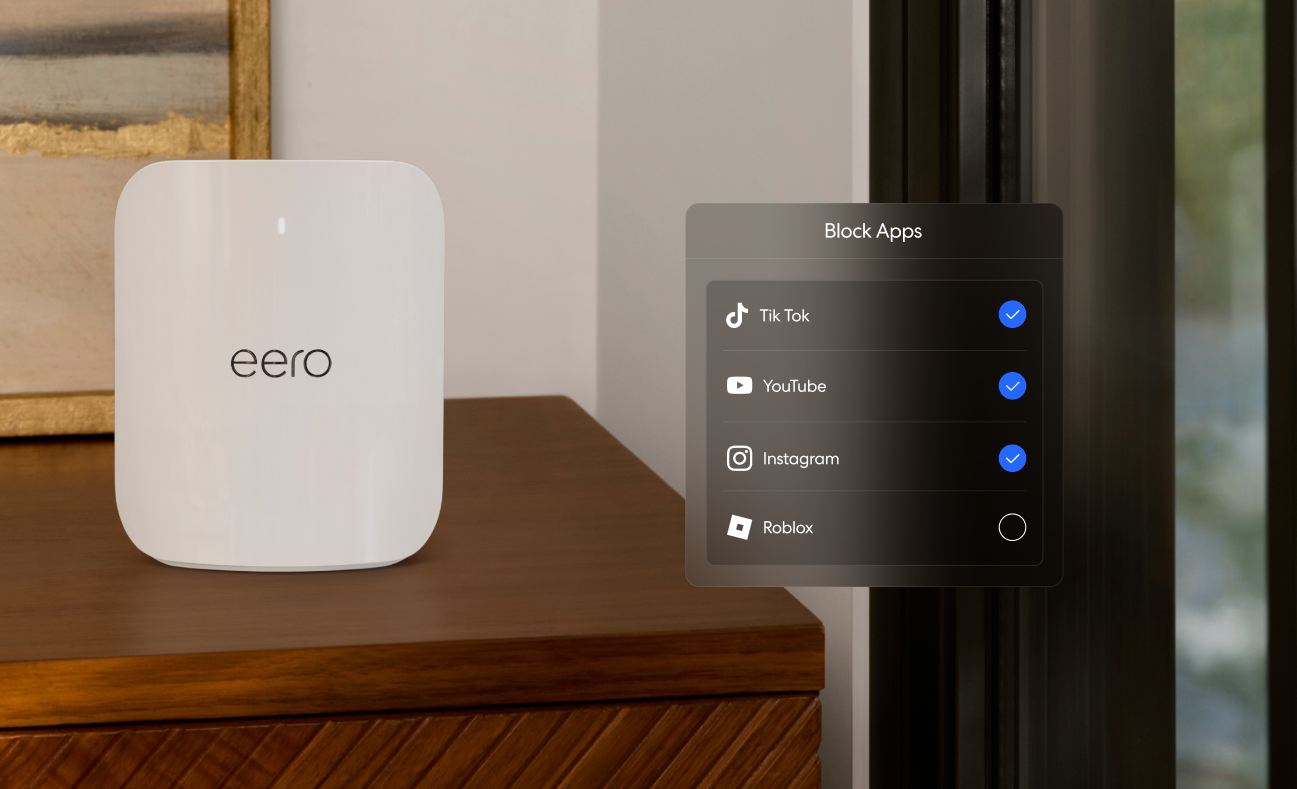
Restrict access to specific mobile apps for devices on a Profile using eero Plus Block Apps.
Control compatible smart lights, locks, and plugs through Alexa using your eero's built-in Zigbee hub.
See how many threats, inspections, and content blocks eero Plus handles for your network over time.
Group devices by person, schedule internet pauses, and apply content filters per Profile.
Understand why devices randomize their MAC addresses and how it affects your eero network's device list.
Invite people to help manage your eero network, from settings and devices to Profiles.
Connect compatible smart devices to your eero network in just a few steps with Amazon's Frustration-Free Setup.
Connect your eero and Amazon accounts to unlock automatic device setup, Alexa controls, and eero Built-in.
Label your eero networks with custom names to quickly tell them apart in the app.
Save energy by letting your eero automatically match its WAN port speed to your actual internet plan.
View or update your eero wifi network password in a few taps through the eero app.
Set up automatic internet pauses on a schedule for any Profile.
Remove individual Profiles from your eero network and reassign their devices.
Dim or turn off the LED on any eero in the eero app.
